

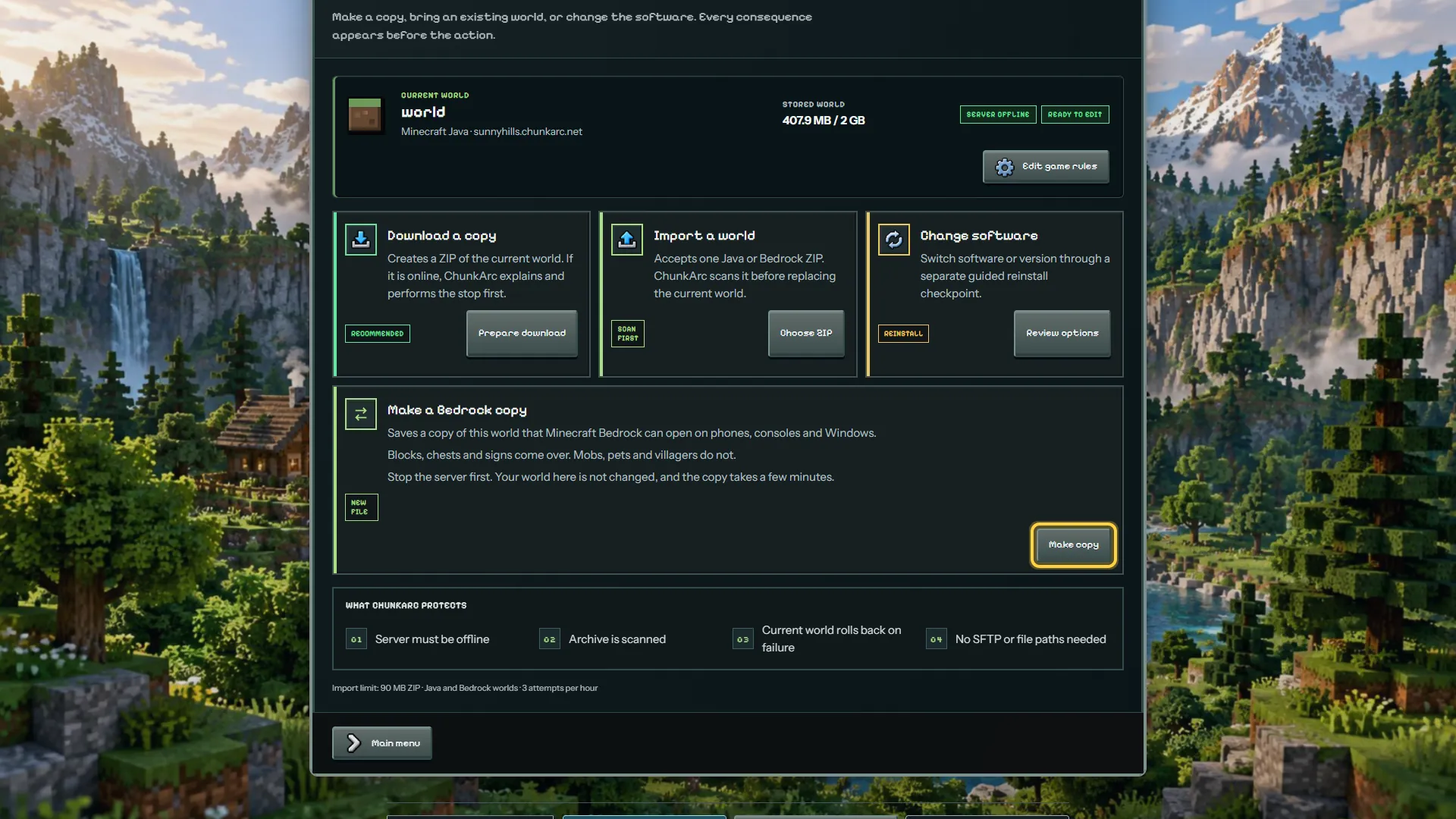
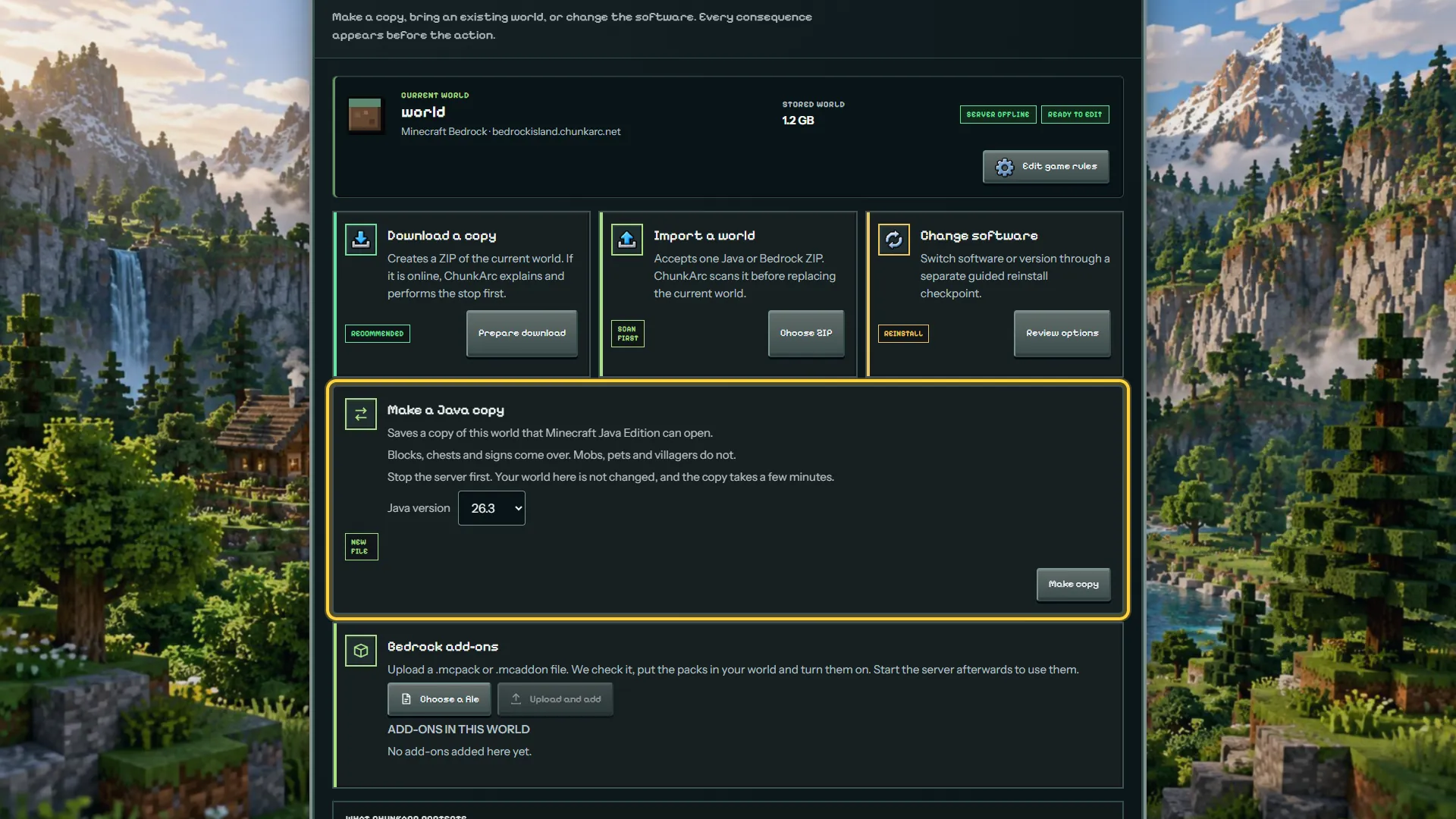
Stop the server. Open ChunkArc Manage, press Manage world and find Make a Bedrock copy on a Java server, or Make a Java copy on a Bedrock server. Press Make copy, wait a few minutes and press Download.
What the copy keeps
Blocks, chests and signs come over. Mobs, pets and villagers do not. The copy is a new file: the world on your server is never changed.
1. Java to Bedrock
- Stop the server.
- On the home screen press Manage world.
- Find Make a Bedrock copy and press Make copy.
2. Wait for the copy
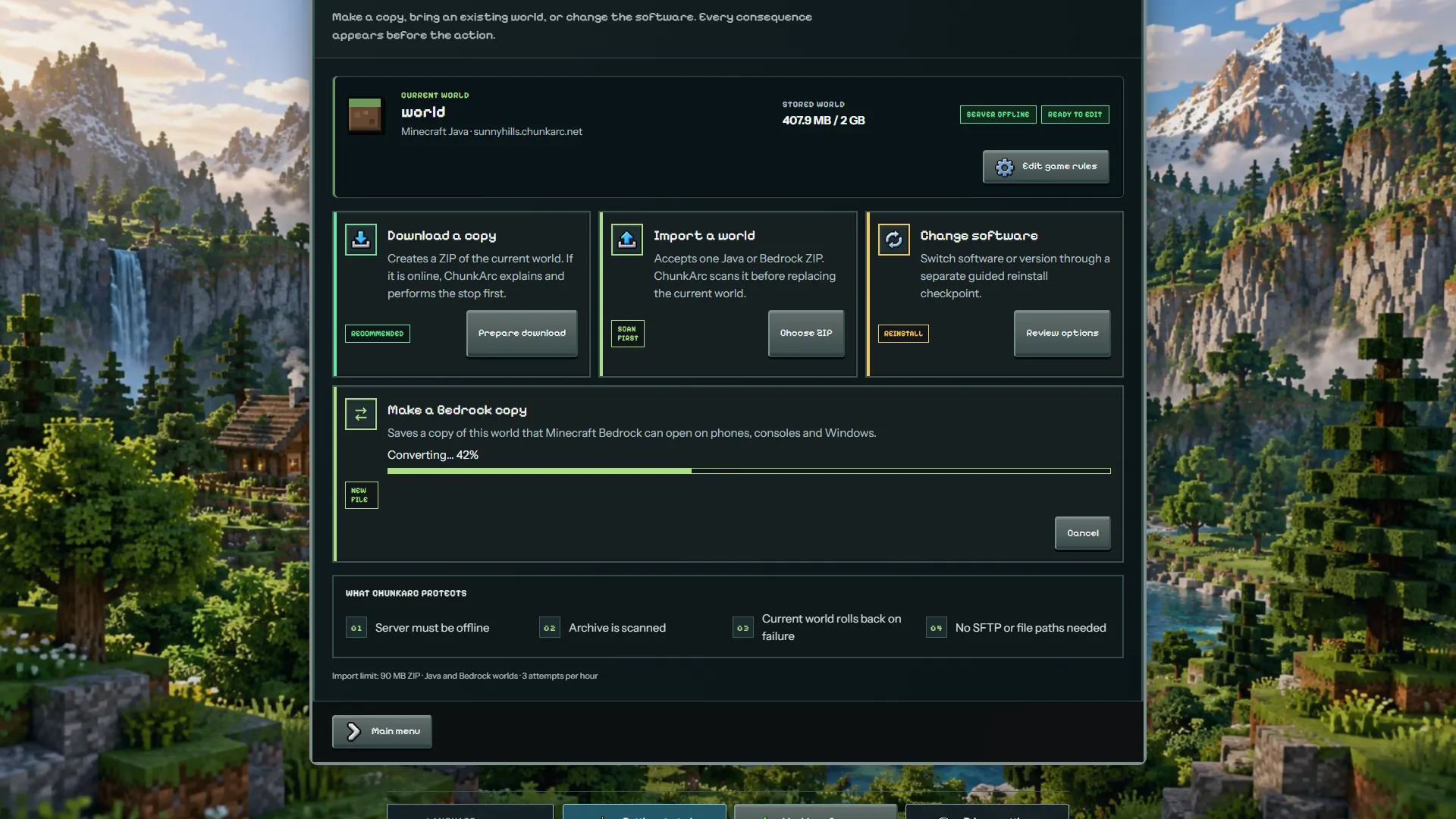
The card shows the progress. It usually takes a few minutes, longer for big worlds. You can press Cancel at any time. Do not press Start or Stop while the copy runs, or it stops and you have to try again.
3. Download and open it
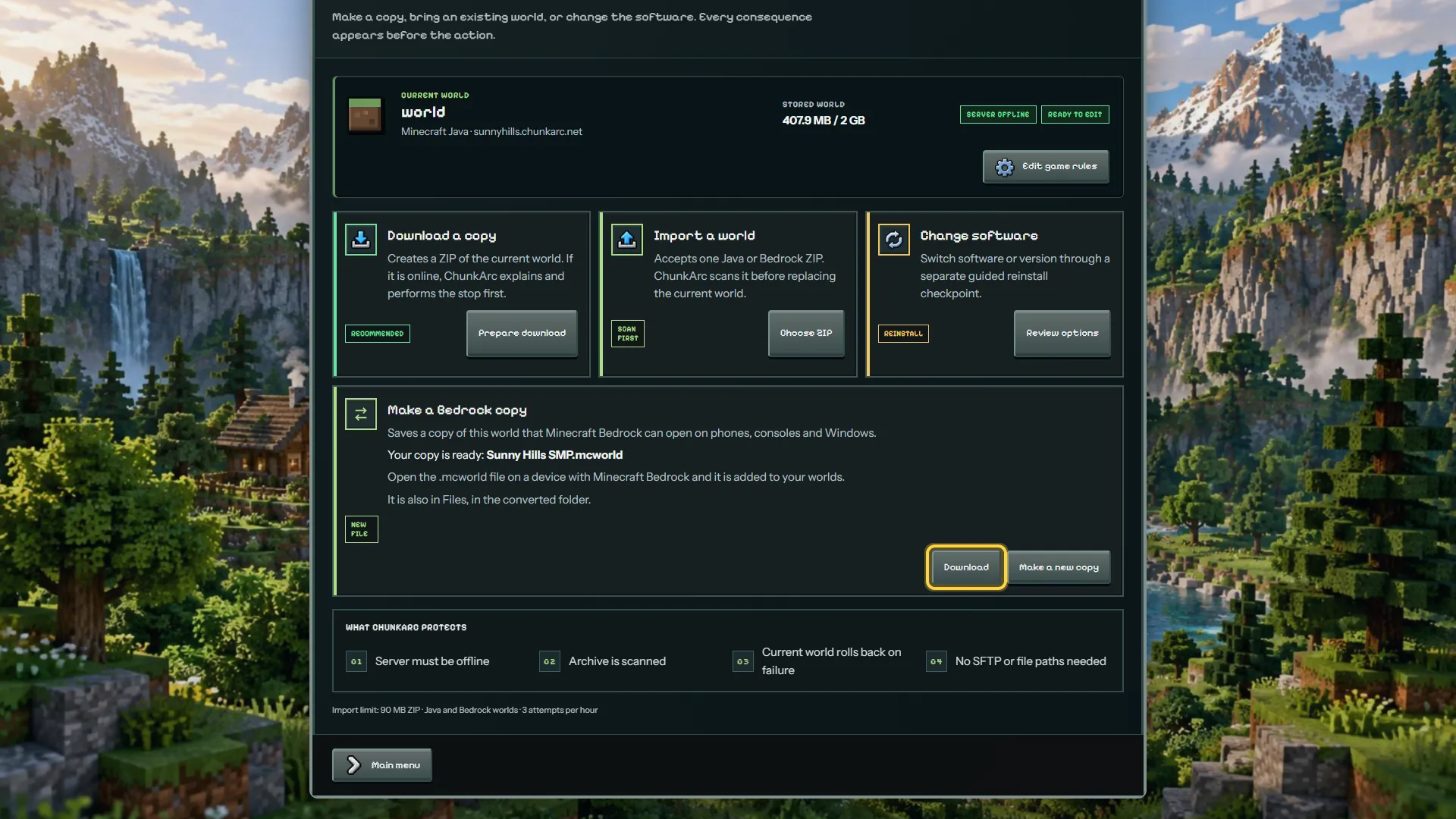
When the card says Your copy is ready, press Download. You get a .mcworld file. Open it on a device with Minecraft Bedrock and the world is added to your worlds. The file is also kept in Files, in the converted folder.
Bedrock to Java
On a Bedrock server the card is called Make a Java copy. Choose the Java version you want, then press Make copy. You get a ZIP. Unzip it into your .minecraft/saves folder, or upload it to a Java server with Import a world.
Only want Bedrock friends to join?
You do not need to convert anything for that. Turn on Bedrock players on your Java server and both editions play in the same world. Read Bedrock players on a Java server.
Common questions
Does the conversion change my world on the server?
No. The copy is a new file. Your world stays as it was.
Why do mobs and villagers disappear?
The copy keeps blocks, chests and signs. Mobs, pets and villagers do not come over.
The copy failed with a disk space message. What now?
The copy needs free space next to your world. Delete old files you do not need, for example old copies in the converted folder, and try again.
Take your world anywhere
Java to Bedrock or Bedrock to Java, with one button.
Open Manage