
Terraria Free Beta · available now
Free Terraria server hosting for a small world with friends.
Start a Terraria server from the ChunkArc panel. Choose Vanilla, tModLoader or TShock, pick your address and manage your world, files and console without a credit card.
Vanilla: 2 GB RAM, 5 GB storage and up to 8 players. One Free server per person across all games. Empty servers can stop after about 15 minutes; restart yours in Manage when you want to play.
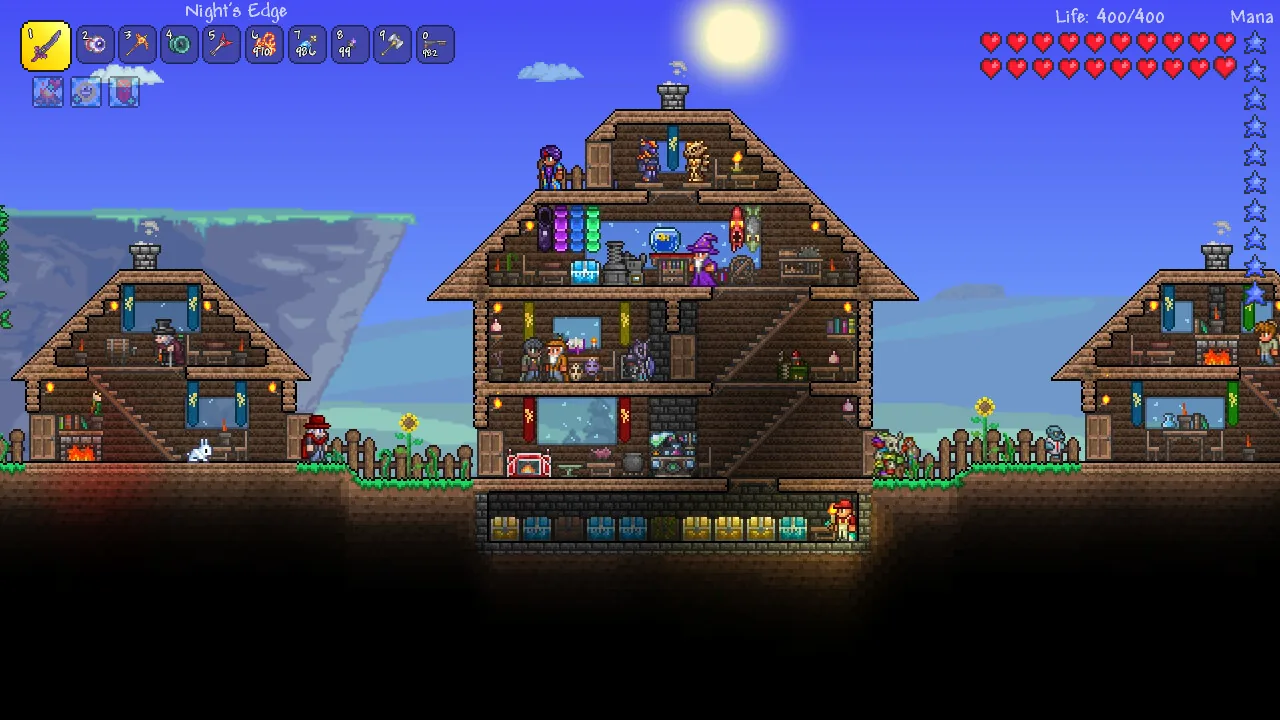
Terraria imagery © Re-Logic. Source: official Steam page.
Included now
Choose your software. Keep the limits in view.
The beta is designed for a small normal world and a few friends. Resources are shared limits, not dedicated hardware.
Terraria Vanilla includes 2 GB RAM (2048 MiB) on new and existing servers. Higher RAM allocations are preserved. Larger worlds and heavier modpacks may need more memory.
Vanilla, tModLoader or TShock?
| Software | Choose it for | What players need |
|---|---|---|
| Vanilla | A regular Terraria world with friends. | A compatible Terraria PC client. |
| tModLoader | A world with a compatible modpack. Larger packs may need more memory. | A compatible tModLoader client and modpack. A Vanilla client cannot join. |
| TShock | Server plugins and administration tools, rather than tModLoader content mods. | A compatible Terraria PC client. |
Check the available version in Manage before creating your server. See the setup guide for software selection and modpack import. Mobile and console compatibility is not promised.
Clear limits before you create.
New Vanilla servers install the latest stable official release. tModLoader and TShock use tested releases that can require a different client version. Existing modpacks are not updated automatically.
For tModLoader, open Plugins & mods in Manage and choose Explore to search Steam Workshop. Read Details, stop the server, then prepare a preview and review the files, dependencies and warnings before explicitly confirming. Browsing installs nothing; start the server yourself afterward. Import a pack remains available for a supported SaveData ZIP from Export Pack Instance. Upload limits apply. Players need a compatible tModLoader client and mod set. There are no automatic mod updates or restarts. Vanilla does not use this catalogue; TShock uses server plugins. Browse and install tModLoader mods.
Terraria Free Beta servers can stop after about 15 continuous minutes confirmed without players. Start the server again from /manage. If player status cannot be verified, that time is not treated as an empty-server interval.
Back up to your personal Google Drive from Manage. Automatic copies are optional and start off. No fixed limit on the number of copies in your personal Google Drive, within your available storage and service limits. Keep another copy of important worlds outside ChunkArc; for tModLoader, keep the matching .wld and .twld files together.
Proxies, tunnels, mining, malware and unrelated workloads are prohibited.
The port is required because Terraria does not use Minecraft SRV discovery.
Three steps
From sign-in to a playable Terraria world.
Open /manage and sign in to your ChunkArc account using an available sign-in option. A Discord account is not required.
In /manage, select Terraria, choose an available region and an address, then accept the Free Beta limits. You can also start from /order or Create Free Server in our Discord: choose Terraria, then Vanilla, tModLoader or TShock.
Open the server, start the world and connect with the displayed address and port. Use a matching Terraria client version. Do not assume that mobile or console clients can join the PC server.
Before your first join
Wait for the server to finish starting
Open its console in Manage. If startup fails, resolve that error before trying another address.
Copy the address and assigned port
On PC, choose Multiplayer → Join via IP. Enter the hostname and then the port shown in Manage; do not assume it is 7777.
Match the client to your server
Vanilla and TShock use a compatible Terraria client. tModLoader needs a compatible tModLoader client and modpack; a Vanilla client cannot join it. Mobile and console compatibility is not promised.
Keep your world before changing it
Stop the server and keep a backup before importing. For tModLoader, keep the matching .wld and .twld files together. Importing a world does not install its mods.
Terraria Free Beta questions
Is it really free?
Yes. No card or payment is required during the Free Beta.
Can I install tModLoader?
For tModLoader, open Plugins & mods in Manage and choose Explore to search Steam Workshop. Read Details, stop the server, then prepare a preview and review the files, dependencies and warnings before explicitly confirming. Browsing installs nothing; start the server yourself afterward. Import a pack remains available for a supported SaveData ZIP from Export Pack Instance. Upload limits apply. Players need a compatible tModLoader client and mod set. There are no automatic mod updates or restarts. Vanilla does not use this catalogue; TShock uses server plugins. Browse and install tModLoader mods.
Does my server stay online 24/7?
Free Beta does not promise 24/7 uptime. Servers can stop after about 15 continuous minutes confirmed without players. Start yours again in Manage. Unverified player status does not count as an empty-server interval.
Do I need the port?
Yes. Share the full address shown by the panel, including :port.
Can I upload an existing world?
Yes. Stop the server and open Manage world → Upload a world. Upload the .wld file. For tModLoader, this importer requires both the .wld and matching .twld file from the same world. Keep your original backup. Uploading a world does not install its mods.
Can I change world size or difficulty?
Choose a size and difficulty when creating a new world in Manage. These settings do not resize an existing world or change its saved difficulty. Back up your current world before switching.
Get your Terraria world ready
Ready to open a Terraria world?
One Free server is available per person across all supported games.